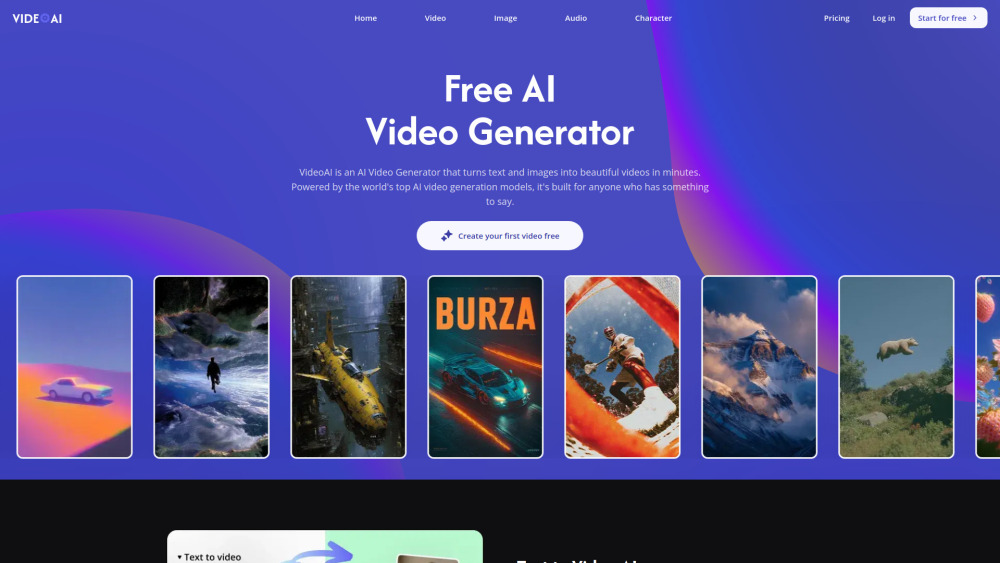
VideoAI makes it easy to turn product shots or prompts into polished short clips with model choice, motion tools, music, and upscaling in one flow.

Reviews of VideoAI
The free plan’s 10 credits vanish fast, so testing VideoAI can feel like watching a trailer for a movie you already need to pay to finish.
Introduction
VideoAI is a flexible AI video studio that turns prompts or still images into clips using models like Kling, Wan, Seedance and Veo. It’s useful for creators, marketers and small teams who need social posts, ads, cinematic scenes or music videos without complex editing tools. You can guide motion, extend shots, add music and polish visuals in one workflow.
What is the most typical application scenario of VideoAI?
A small business marketer can use VideoAI to turn product photos and prompts into polished short-form ad videos without hiring an editor.
Features of VideoAI
Generate videos from written prompts with multiple leading AI models
Animate uploaded images into moving scenes with prompt-based control
Extend short clips into longer sequences for smoother storytelling
Create or edit visuals with built-in AI image tools
Add motion control, lip sync, music, upscaling and background removal
Use cases for VideoAI
Make short-form social videos from simple scene descriptions
Animate product images for ads, launches and ecommerce promos
Turn artwork or photos into cinematic concept clips
Produce music video ideas with AI-generated visuals and sound
Build branded campaign videos without advanced editing skills
Pricing info of VideoAI
FreemiumPublic pricing information collected from the official website.
Free
Last checked Aug 14, 2026. Visit the official website for the latest terms.