
Pro
Great for quickly trimming and upscaling blurry MP4s to 2x or 4x without opening a full video editor.

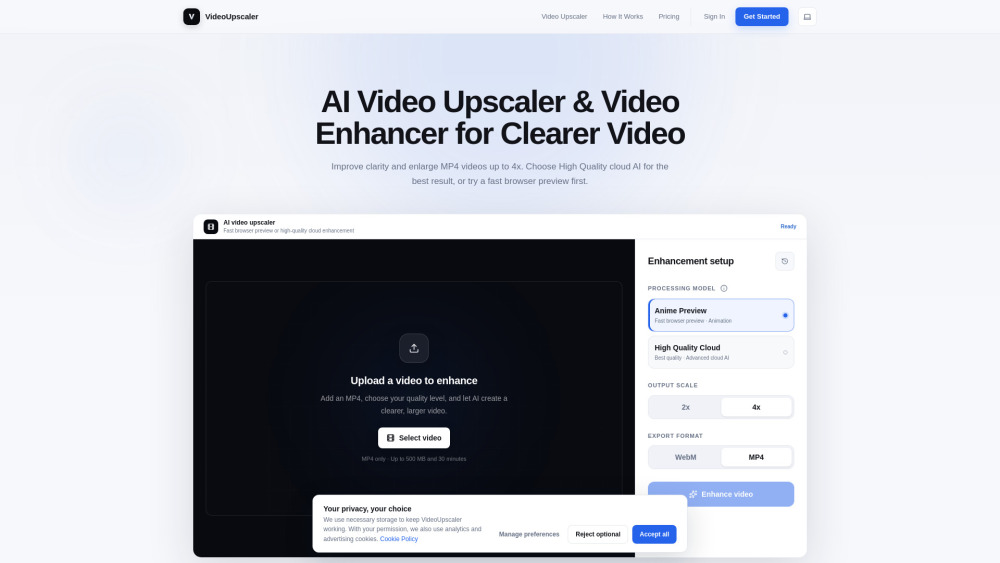
Great for quickly trimming and upscaling blurry MP4s to 2x or 4x without opening a full video editor.
The free tier is more of a tasting spoon than a meal, and serious projects will chew through cloud credits fast.
Video Upscaler is a handy AI enhancer for anyone stuck with blurry or low-res MP4s. It can enlarge clips 2x or 4x, trim them, preview results in the browser, or run higher-quality cloud processing. I’d recommend it to creators, archivists, sports fans, and presenters who need cleaner footage without learning pro video software.
A content creator can trim and upscale blurry MP4 clips to 2x or 4x, exporting cleaner videos for modern screens without using pro editing software.
Public pricing information collected from the official website.
Last checked Aug 17, 2026. Visit the official website for the latest terms.