Pro
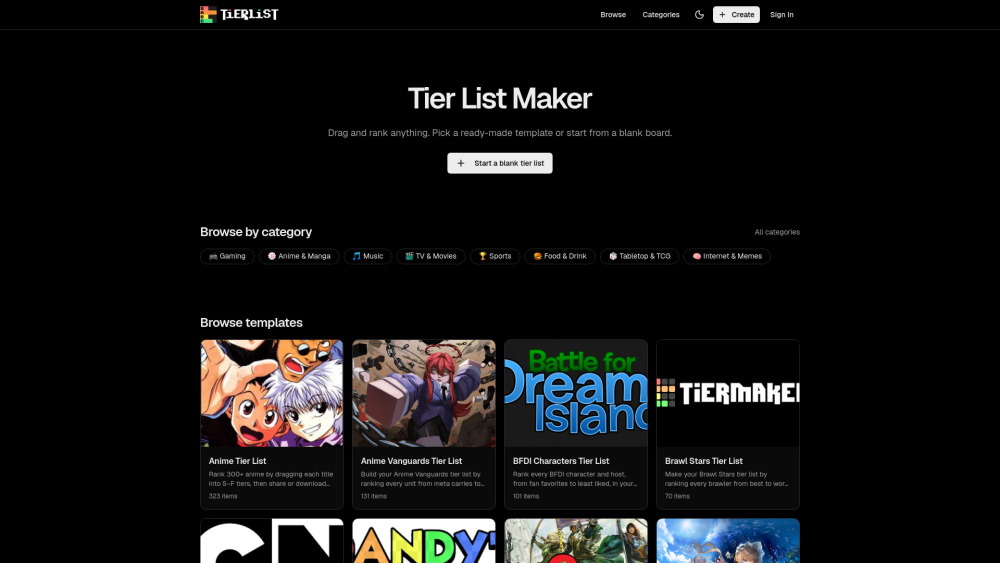
Tier List Maker makes it painless to build custom rankings, upload images, and share a clean PNG or link without signing up.


Free online tool for creating and sharing tier lists.
Tier List Maker makes it painless to build custom rankings, upload images, and share a clean PNG or link without signing up.
It nails quick tier lists, but if your debate needs depth beyond drag-and-drop rows, the strategy layer is thinner than an F-tier pick.
Tier List Maker is a simple browser tool for building ranked lists without installing anything. Pick a template or start from scratch, drag items into custom tiers, add your own images, then export a clean PNG or share a link. It’s handy for gamers, anime fans, teachers, and communities that want quick, visual debates.
A gaming community moderator can use Tier List Maker to drag character images into ranked tiers and share a clean PNG or link to spark faster meta discussions.
Public pricing information collected from the official website.
Last checked Jul 29, 2026. Visit the official website for the latest terms.