
Pro
PixBulk turns a CSV of SKUs into consistent, marketplace-ready product images, making bulk ecommerce launches feel much less tedious.

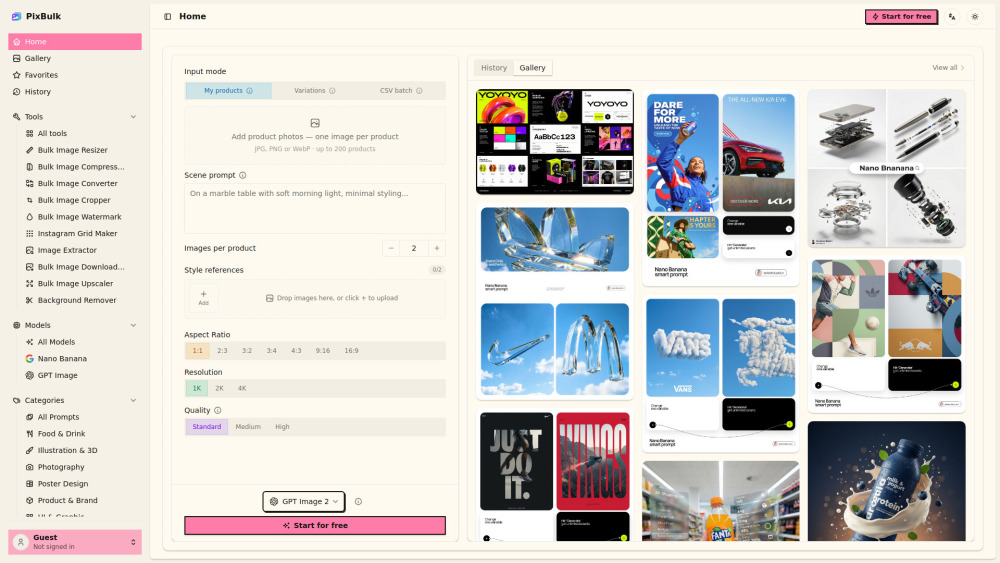
PixBulk turns a CSV of SKUs into consistent, marketplace-ready product images, making bulk ecommerce launches feel much less tedious.
The 200-image batch cap is handy, but high-volume sellers may still feel like they’re feeding the machine one tray at a time.
PixBulk is a practical AI image generator for ecommerce teams that need product visuals at scale. Upload a CSV of SKUs and prompts, choose model settings and style references, then export marketplace-ready images in a ZIP. It’s especially useful for Shopify, Etsy, Amazon and print-on-demand sellers who want consistent photos without repetitive prompting or costly shoots.
A Shopify seller can upload a CSV of SKUs and prompts to generate consistent marketplace-ready product photos in bulk, saving hours of manual prompting and photoshoots.
Pricing information provided by the submitter.