
Pro
Osloq turns vague GitHub issues into developer-ready evidence with clean sandboxes, logs, screenshots, and commit context.

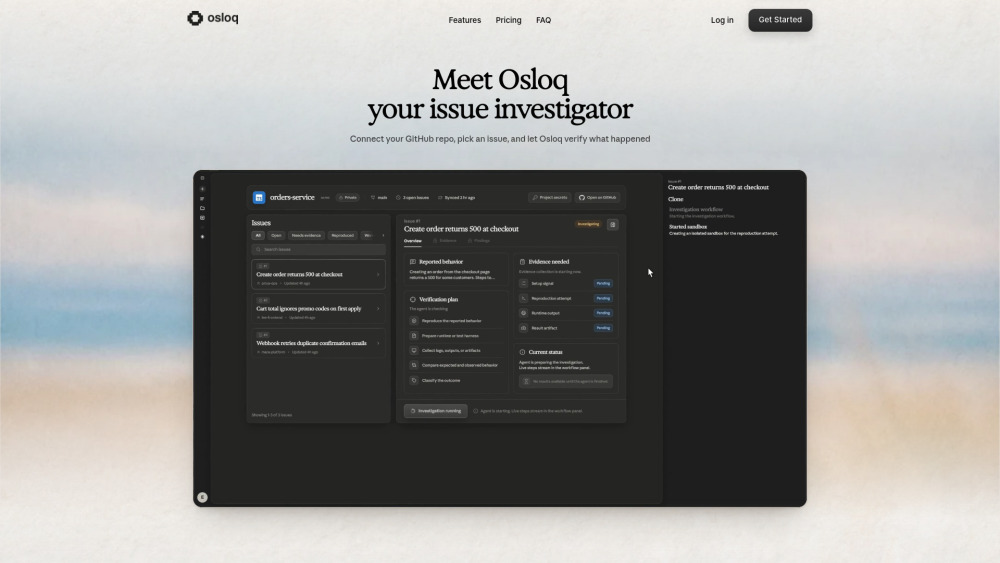
Osloq turns vague GitHub issues into developer-ready evidence with clean sandboxes, logs, screenshots, and commit context.
The 5-investigation free tier is more appetizer than meal, and teams with lots of bug noise may hit the paywall fast.
Osloq feels like a QA teammate for busy engineering teams. Connect a GitHub repo, choose an issue, and it spins up a clean sandbox to try reproducing the bug, then returns logs, screenshots, commit context, and a plain report. It’s useful for triaging tickets, validating flaky reports, and giving developers evidence before they dig in.
A QA lead at a SaaS team can use Osloq to reproduce GitHub bug reports in clean sandboxes and send developers logs, screenshots, and commit context before triage.
Public pricing information collected from the official website.
Last checked Jul 7, 2026. Visit the official website for the latest terms.