Artı
OpenGen ai, ayrı araçlar arasında geçiş yapmadan en iyi üretken modeller arasında video, görüntü ve seslendirme fikirlerini test etmeyi kolaylaştırır.


Videolar, görüntüler ve seslendirmeler oluşturmak için hepsi bir arada AI platformu
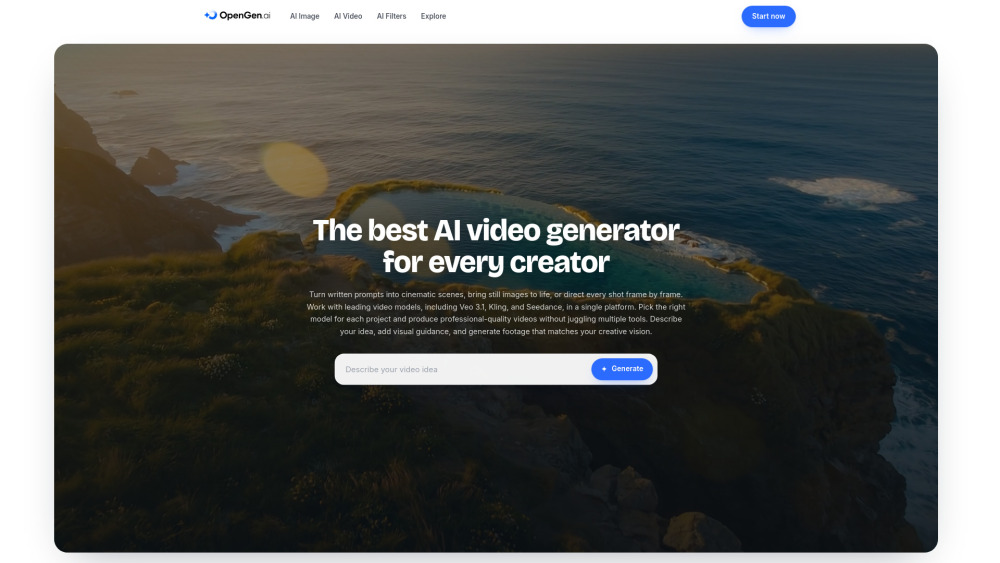
OpenGen ai, ayrı araçlar arasında geçiş yapmadan en iyi üretken modeller arasında video, görüntü ve seslendirme fikirlerini test etmeyi kolaylaştırır.
Hepsi bir arada vaat güçlü, ancak net fiyatlandırma olmadan faturanın peçete altında gizlendiği bir yaratıcı büfe gibi hissettirme riski taşıyor.
OpenGen ai, metinden videoya, görüntüden videoya, AI görüntüleri, filtreler ve seslendirmeleri Sora, Veo, Kling, Runway ve daha fazlası gibi modellere erişimle tek bir çalışma alanına getirir. Kavramları test etmek, fotoğrafları canlandırmak ve sosyal klipler oluşturmak isteyen yaratıcılar, pazarlamacılar ve ajanslar için kullanışlıdır, ayrı araçlarla uğraşmadan.
Bir sosyal medya pazarlamacısı, OpenGen ai'yi promptları veya ürün fotoğraflarını tek bir çalışma alanında görüntüler, seslendirmeler ve model testleriyle kısa promo videolara dönüştürmek için kullanabilir.