
Pro
Omni 1.1 Flash makes it easy to turn product shots and prompts into polished cinematic clips with motion control, audio, and upscale options.

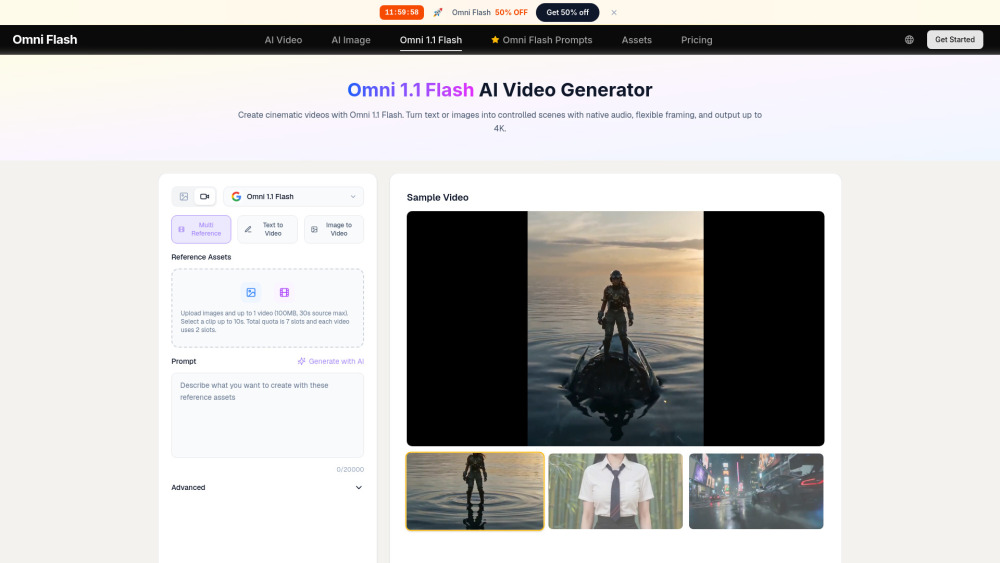
Omni 1.1 Flash makes it easy to turn product shots and prompts into polished cinematic clips with motion control, audio, and upscale options.
The credit math and yearly pricing can feel like a director’s cut of a phone bill, especially when listed plans top out at 1080p.
Omni 1.1 Flash is a strong fit for creators, marketers, and filmmakers who need polished video without a full production setup. It turns prompts, images, and reference clips into cinematic scenes with motion control, synced audio, frame guidance, and upscaling, making it useful for ads, social posts, demos, and previsualization.
A social media marketer can use omni 1.1 flash to turn product images and prompts into polished cinematic video ads, cutting production time without a shoot.
Pricing information provided by the submitter.