Pro
MiniMax Design feels ideal for turning a loose campaign brief into coordinated video, image, voice, and edit assets on one canvas.


Multimodal AI studio for creating videos, images, audio, and campaigns
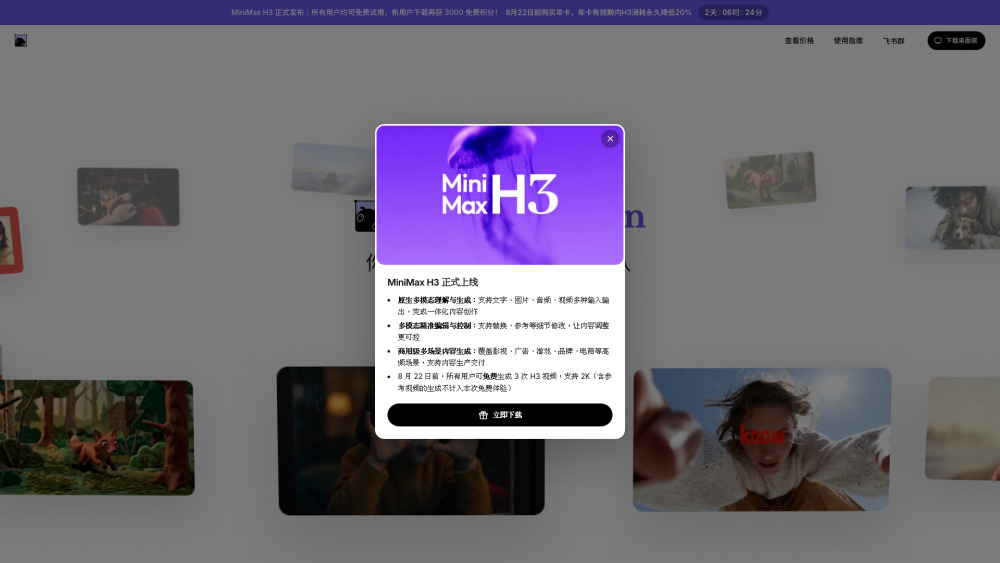
MiniMax Design feels ideal for turning a loose campaign brief into coordinated video, image, voice, and edit assets on one canvas.
The unknown pricing makes budget planning feel like storyboarding with the lights off.
MiniMax Design is a desktop AI studio that turns a brief into finished creative assets. Its agent plans the work, routes tasks across video, image, voice, music, and editing models, then lets you review everything on a visual canvas. It’s a strong fit for marketers, creators, and studios who need polished campaigns without juggling a dozen tools.
A growth marketer can use MiniMax Design to turn a campaign brief into polished short-form video ads with scripts, visuals, voiceovers, edits, and fewer handoffs.