Nav4AI
AllCode & ITKane CLI By TestMu AI
Kane CLI By TestMu AI

Kane CLI By TestMu AI

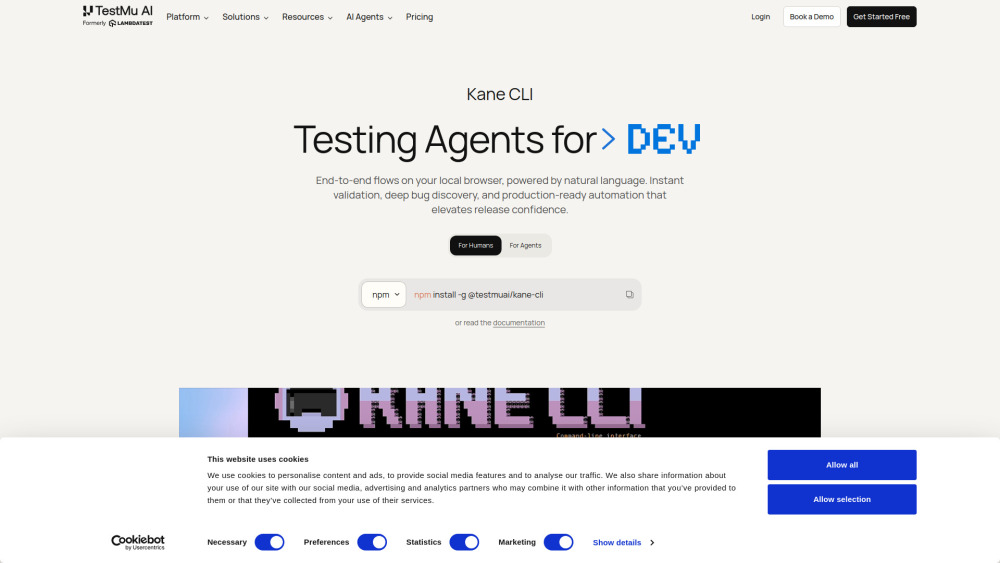
Kane CLI kane-cli is an AI-powered browser automation tool that runs from your terminal. Describe what you want to test in plain English: Kane CLI navigates websites, clicks elements, fills forms, extracts data, and validates outcomes in a real Chrome browser. Run browser tests from any terminal or IDE: no test scripts, no selectors, no framework boilerplate Integrate into CI/CD pipelines: headless mode with structured JSON output and standard exit codes Use as a skill in AI coding agents: Claude Code, Codex CLI, and Gemini CLI can invoke Kane CLI directly to test and verify web UIs on your behalf

Kane CLI By TestMu AI screenshot
Website
www.testmuai.com
Categories

Reviews of Kane CLI By TestMu AI

4.2
Pro

Kane CLI makes smoke testing feel refreshingly simple: describe the flow, let Chrome run it, and get pass/fail evidence without selector wrangling.

Con

Credit limits and AI-driven flakiness risk mean it may replace some brittle scripts with a new kind of mystery meat.

Introduction

Kane CLI is a practical AI browser-testing tool for developers, QA teams, and coding agents. You describe a web flow in plain English, and it drives real Chrome, checks the outcome, and returns pass/fail evidence. It helps replace brittle scripts for smoke tests, PR checks, and CI validation while still exporting stable flows to Playwright.

What is the most typical application scenario of Kane CLI By TestMu AI?

A developer can use Kane CLI to describe a web flow in plain English and run Chrome smoke tests in CI, catching UI regressions without writing brittle scripts.

Features of Kane CLI By TestMu AI

    Create browser tests from plain-English goals

    Runs flows in real Chrome with user-like actions

    Returns clear pass/fail results with replay evidence

    Handles UI changes with visual waiting and autohealing

    Connects to CI and coding agents via structured CLI output

Use cases for Kane CLI By TestMu AI

    Verify new features end-to-end before opening a PR

    Run smoke checks for login, checkout, and key pages after deploys

    Automate multi-step web journeys without writing selectors

    Let AI coding agents test the UI changes they just made

    Capture stable flows and export them into Playwright suites

Pricing info of Kane CLI By TestMu AI

Freemium

Public pricing information collected from the official website.

testmuai.com Pricing

Free

$0
  • Local test authoring via CLI
  • Auto-heal & vision included
  • Test Manager — Free tier
  • View test cases on UI
Limits: 200 credits per month · Resets in every 30 days · Free Forever

Kane CLI Starter

$19 /month
  • Local test authoring via CLI
  • Auto-heal & vision included
  • View test cases on UI
  • Test Manager — Free tier
Limits: 2,000 credits per month · Launch Offer: +100% bonus credits (4000 Total)

Kane CLI Pro

$99 /month
  • Local test authoring via CLI
  • Auto-heal & vision included
  • View test cases on UI
  • Complimentary Test Manager License
  • Remote execution on HyperExecute
  • Tunnel support & advanced features
  • Schedule runs
Limits: 10,000 credits per month · Launch Offer: +50% bonus credits (15,000 Total) · 100 mins/month execution on HyperExecute

Enterprise

Contact Sales
  • Higher number of credits for your team
  • Extra time of remote execution on Hyperexecute
  • More number of Test Manager seats
  • Dedicated 24x7 support
  • Custom tailoring
  • Single Sign On
  • Advanced access control
  • Enterprise grade security

Last checked Jun 23, 2026. Visit the official website for the latest terms.