Nav4AI
All3DImage to 3D AI
Image to 3D AI

Image to 3D AI

AI tool generating 3D models from images or text

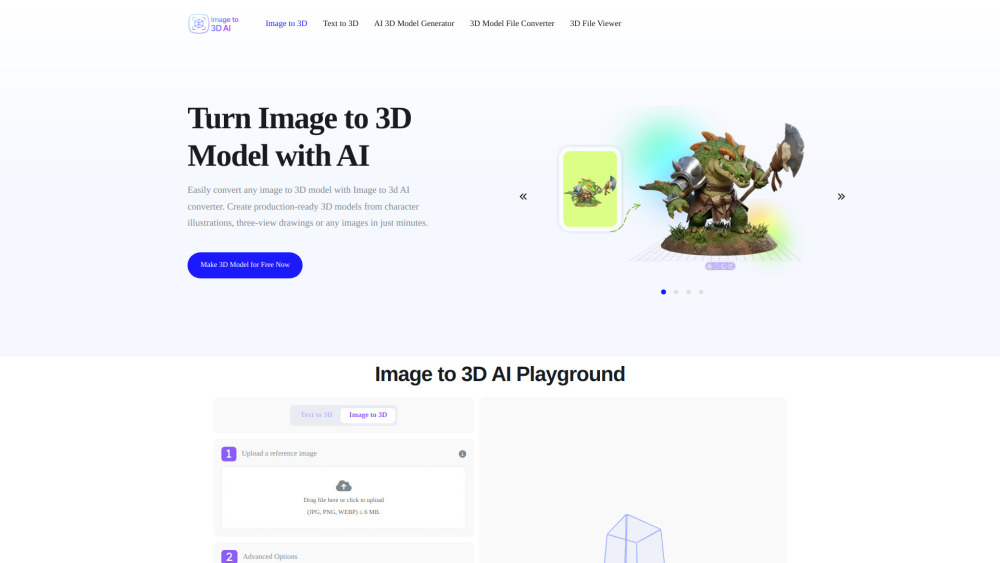
Image to 3D AI screenshot
Website
image-to-3d.ai
Categories

Reviews of Image to 3D AI

4.1
Pro

A fast, approachable way to turn sketches or prompts into editable GLB prototypes, with browser previews that make quick iteration feel painless.

Con

Single-image 3D is still a bit of a magic trick, so expect some meshes to arrive looking like they survived a blender accident.

Introduction

Image to 3D AI turns a single image or text prompt into an editable GLB model with reconstructed geometry, textures, UVs, and cleaner topology. It’s handy for game artists, product designers, educators, and 3D printing hobbyists who need quick prototypes without starting from a blank modeling scene. The browser preview helps check results before export.

What is the most typical application scenario of Image to 3D AI?

A game artist can turn concept art into editable GLB props to prototype scenes faster without modeling each asset from scratch.

Features of Image to 3D AI

    Create 3D models from JPG, PNG, WEBP images, or text prompts

    Generate textured meshes with UVs or geometry-only assets

    Auto-retopology helps produce cleaner, more usable mesh structure

    Preview finished models online from multiple viewing angles

    Export production-ready assets in editable GLB format

Use cases for Image to 3D AI

    Prototype game props, characters, and environments faster

    Turn concept art or sketches into starting meshes for 3D printing

    Create furniture and decor models for interior design mockups

    Build interactive 3D visuals for classroom and training materials

Pricing info of Image to 3D AI

Free

Public pricing information collected from the official website.

image-to-3d.ai Pricing

Turn Image to 3D Model with AI

Free
  • Instant 3D model assets Game Development
  • Ready-to-print models 3D Printing
  • Home design 3D previews Interior Design
  • Interactive 3D learning Education
  • Rapid prototyping for characters, props, and environments
  • Consistent multi-view outputs for better integration
  • Optimized models ready for Unity, Unreal, and other engines
  • Clean mesh generation suitable for 3D printing workflows
Limits: Upload a reference image: JPG, PNG, WEBP ≤ 6 MB

Last checked Jul 1, 2026. Visit the official website for the latest terms.

Image to 3D AI: AI tool generating 3D models from images or text