Pro
iFlytek Painting Mirror makes the leap from rough idea to storyboarded short video feel approachable, especially for solo creators juggling visuals, voice, and music.


AI platform for turning creative ideas into complete short videos
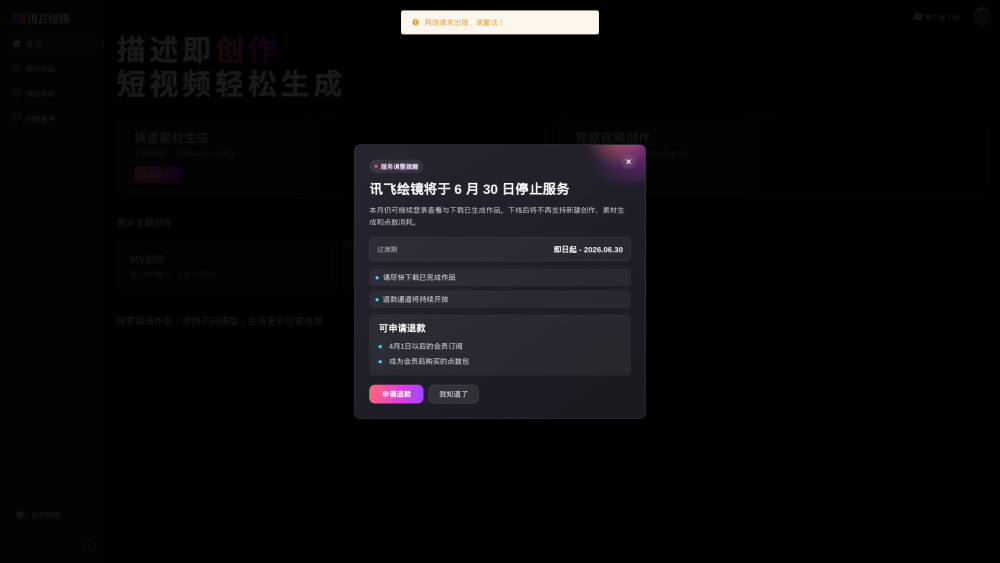
iFlytek Painting Mirror makes the leap from rough idea to storyboarded short video feel approachable, especially for solo creators juggling visuals, voice, and music.
The Windows editor sounds useful, but with pricing left in the fog, the mirror reflects a few too many question marks.
iFlytek Painting Mirror is a handy AI video studio for creators who have an idea but not a full production team. It turns prompts or scripts into storyboards, images, clips, subtitles, voices, and music, then lets you refine everything in a Windows editor. It’s especially useful for social videos, product demos, music clips, and illustrated stories.
A solo content creator can turn a rough prompt or script into an edited short video with storyboards, visuals, voiceover, subtitles, and music without a production team.