Pró
FLUX 3 Video facilita a transformação de prompts ou imagens de referência em clipes rápidos prontos para plataformas sem lutar com um editor completo.

Gerador de vídeo AI baseado em navegador a partir de texto e imagens.
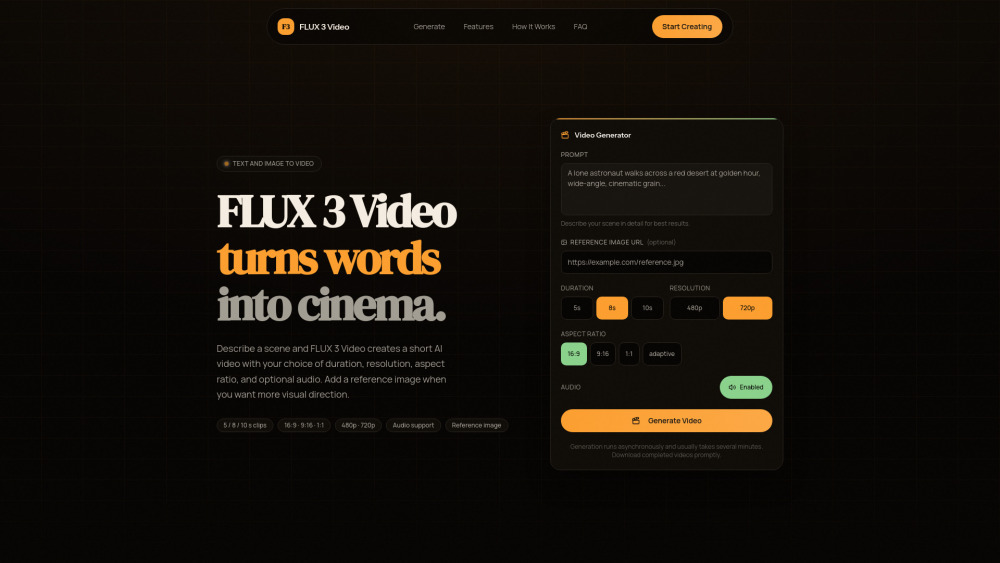
FLUX 3 Video facilita a transformação de prompts ou imagens de referência em clipes rápidos prontos para plataformas sem lutar com um editor completo.
Com preço desconhecido e saída máxima em 720p, pode parecer mais uma máquina de storyboard inteligente do que uma ferramenta de corte final.
FLUX 3 Video é uma ferramenta de navegador simples para transformar prompts—e imagens de referência opcionais—em vídeos curtos de IA com comprimento, proporção, resolução e áudio selecionáveis. Eu o vejo ajudando criadores, profissionais de marketing e equipes sociais a testar rapidamente ideias visuais, criar clipes prontos para plataformas e evitar o tempo gasto em um editor de vídeo completo.
Um profissional de marketing de mídia social pode usar o FLUX 3 Video para transformar prompts de campanha ou imagens de referência em clipes curtos prontos para plataformas sem abrir um editor de vídeo completo.