
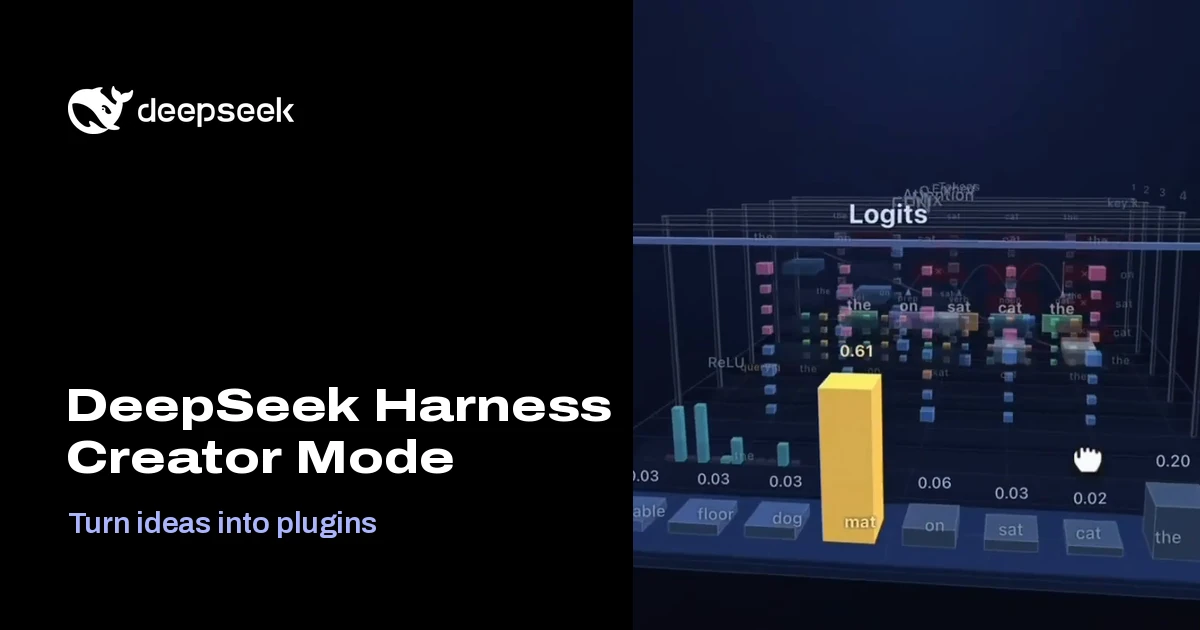
DeepSeek Harness Creator Mode: an AI agent that writes its own plugins
Hi everyone, I'm Frank, an indie developer.
Most AI apps give you a fixed set of features and a chat box. On November 2, 2026, DeepSeek showed a different idea: an agent that adds features to itself while you watch. The company's Harness team introduced Creator Mode, and the pitch fits in one line from the launch post on X: "Turn ideas into plugins that you can use, from a design workspace to a sandbox game or a 3D LLM visualizer."
Below I cover what actually shipped, how it works under the hood, what the demos show, what people are saying, and the security trade-offs you should understand before you try it.
What launched
The announcement came from the official @DeepSeekHarness account on November 2, 2026 (14:03 UTC), with a 99-second video and the tagline "Your Harness. You Define It." Within a day it had passed about 1.2 million views and more than 17,000 likes. Bloomberg framed it as the Hangzhou lab's latest move to bolster its AI agent offerings, and Quartz noted that Harness remains a preview with "evolving core plugins and APIs."
In the app, Creator Mode is one entry in the mode menu next to Standard, PTC and Minimal. The in-app description sums it up: "Customize DSH through conversation. Let the agent write plugins that add features or UI, or combine tools and prompts to create your own mode."
What DeepSeek Harness and Creator Mode are
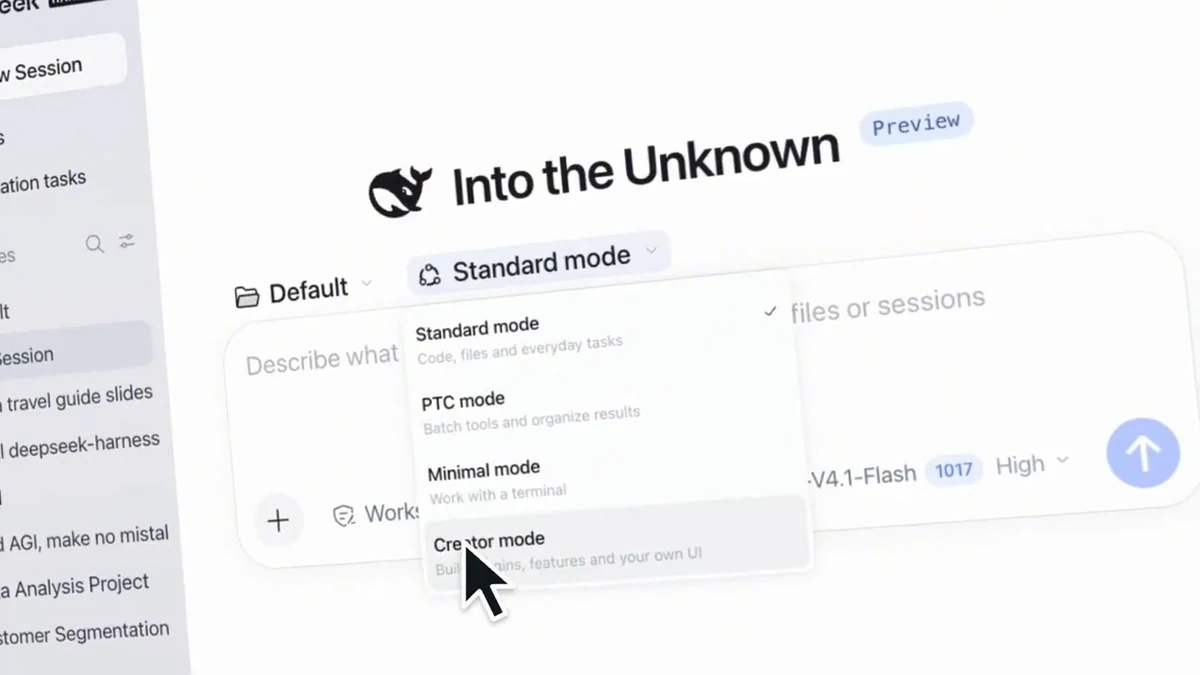
DeepSeek Harness (DSH) is DeepSeek's open-source agent harness, released under the MIT license. The repository opened on August 13, 2026 and has since collected more than 260,000 GitHub stars. A desktop build for macOS (Apple silicon) and Windows arrived with v0.2 on September 29, 2026, and anyone with Node.js can run the web UI on macOS, Windows or Linux. The project is still labeled a developer preview, and the README warns in capitals that "THERE WILL BE COMPATIBILITY-BREAKING CHANGES."
Its slogan is "Everything is a plugin." Harness is built on Cordis, a plugin framework in which the tools, the skills, the agent loop and even the interface are plugins that can be loaded, replaced or removed at runtime. That design is what makes Creator Mode possible.
Creator Mode is not a new model or a separate app. It is an agent preset (internal id cordis) that uses the same agent loop, the same model and the same permission system as Standard mode. What changes is the toolkit the agent receives:
- Runtime inspection: two read-only tools,
cordis_inspect_listandcordis_inspect_query, let the agent look at the live services, config schemas, tool schemas and UI slots instead of guessing APIs from source code. According to the tool-cordis README, these tools cannot call methods or run code. - Plugin management: the
plugin_managertool installs, enables, disables and removes plugin bundles in your profile. Note that it is not exclusive to Creator Mode: the plugin-manager README says it is also enabled in Standard mode. - Authoring skills: shipped skills, including
cordis-plugin-development, teach the agent how to package a plugin, register UI and verify that it actually loaded.
How it works
DeepSeek's Harness page walks through a simple example: the prompt "Write a Pomodoro timer plugin for me." The visible steps are a good summary of the loop:
- The agent loads the
cordis-plugin-developmentskill. - It inspects the runtime ("Inspect providers", "Query runtime Slots.listSubTree") to learn where a floating widget can live.
- It writes the files of a small package (
package.jsonand a client script). - It calls
plugin_manager · install_bundleto install the bundle into the current profile. - The timer appears in the interface. The run is labeled "Took 5m 24s."
Two details matter here. First, plugins persist: the dynamic-cordis docs say plugin configuration "belongs to the current profile, affects its sessions, and survives process restarts." Whatever you build is still there tomorrow, in every session that uses the profile. Second, activation is often instant, but not always: with hot module reloading (HMR) enabled, new bundles become usable in the same session, which is why the demos feel immediate. Without HMR, or when an installed package is replaced, the plugin manager reports that a restart is required.
Plugins are not limited to visual widgets. The docs show the agent connecting an MCP server through a configuration-only bundle, and the tool-cordis README notes that enabling plugins "can change subsequent tool schemas." In other words, a plugin can give the agent itself new tools, not just add a panel around the chat.
The demos
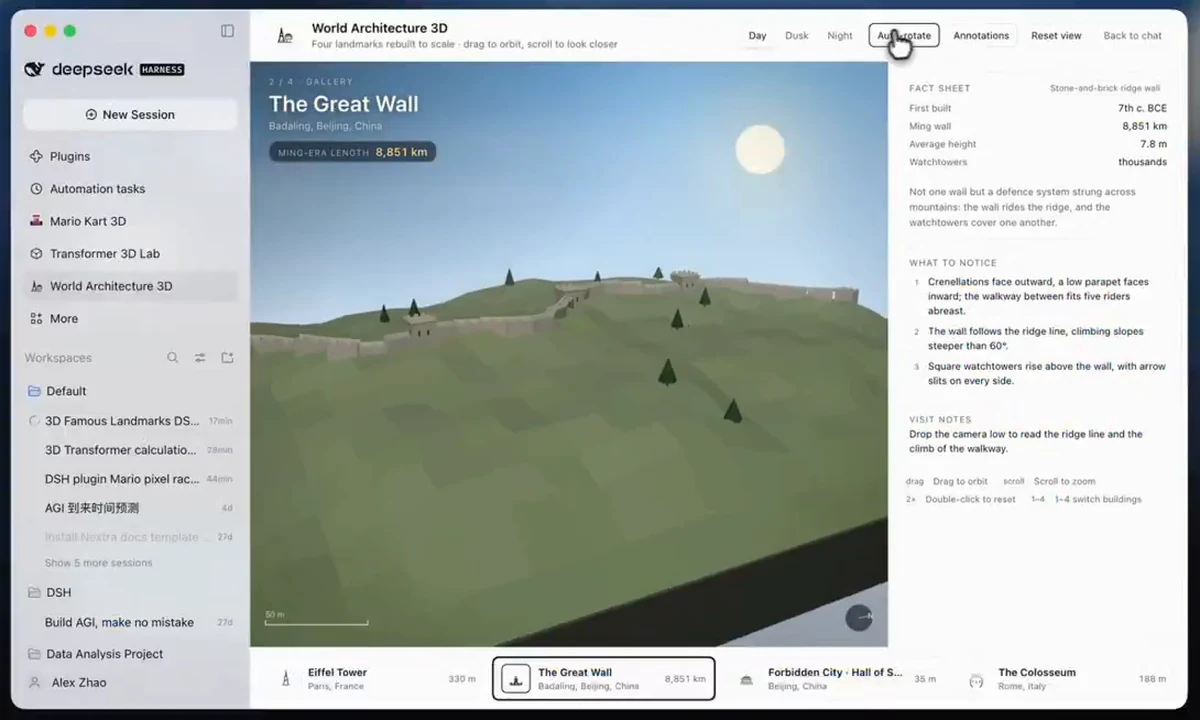
DeepSeek published a prompt collection for "the seven demos in the DeepSeek Harness Creator Mode video," noting that some were refined "through several rounds of conversation." So these are not all one-shot results. The seven are:
- A 3D gallery of famous buildings, including the Eiffel Tower, the Great Wall and the Forbidden City.
- A 3D Transformer visualizer that steps through tokens, attention and logits as an interactive lab.
- A UI restyle that reskins the Harness interface in five themes, including a pixel-art look.
- A poster design workspace, whose default title is fittingly "Everything is a plugin."
- A video editing workspace with a timeline.
- A paper reader with a right sidebar for highlighting, notes and questions.
- A session statistics dashboard showing token usage, cost estimates and CPU load.
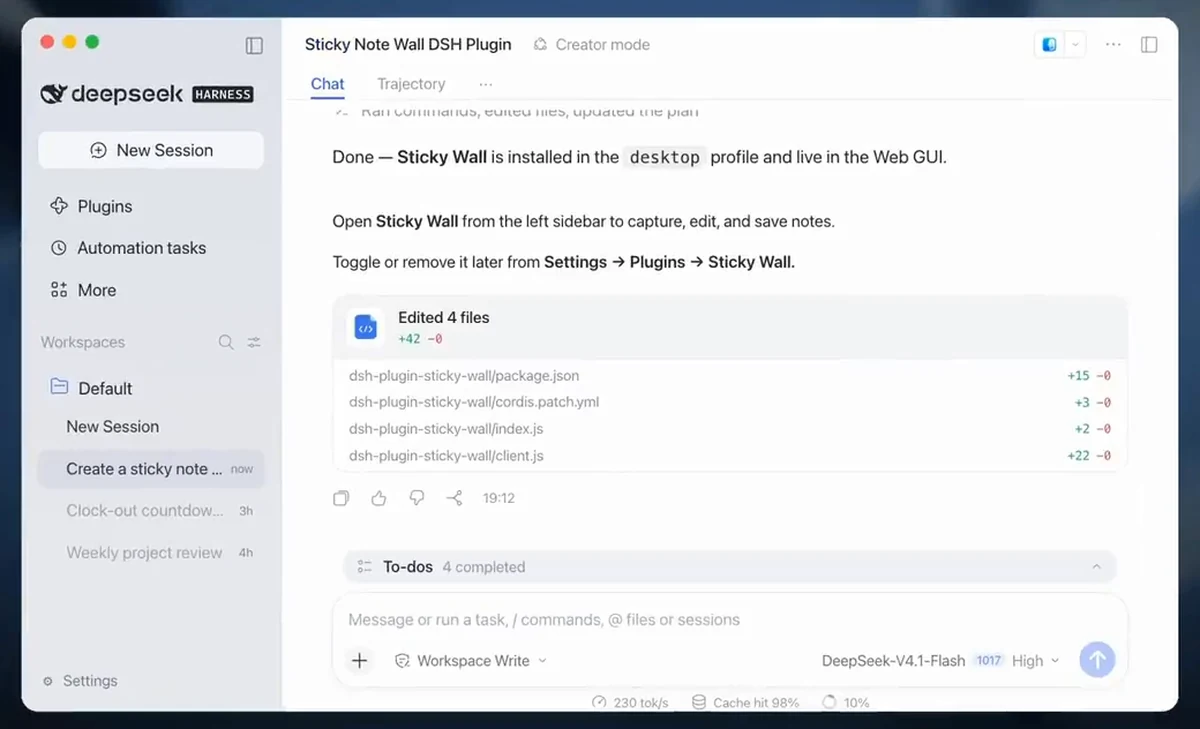
The video also shows a few extra builds: a clock-out countdown widget, a sticky-note wall added to the sidebar, a voxel sandbox game called FUYU and a workout tracker with an animated figure. The model selector in the video reads DeepSeek-V4.1-Flash, the model DeepSeek tuned for Harness in its October update.
Why it matters
Most AI tools treat customization as configuration: you write a system prompt, connect a few integrations, maybe build a custom GPT. Creator Mode treats the application itself as editable. If you want a feature, you describe it and the agent writes a real plugin that runs inside the host, with access to the same services as the built-in features.
A few reasons this is interesting:
- Software that fits one person. A paper reader with exactly your note format, or a dashboard for exactly the numbers you care about, no longer needs a product team or a marketplace.
- The agent's interface becomes the app. Instead of plugging AI into Notion or a video editor, the editor is built into the agent's own workspace.
- Open source lowers lock-in. The plugins are ordinary packages under an MIT-licensed host. You can read them, edit them, publish them, and the project encourages sharing under the
dsh-plugintopic. - It is a working showcase for a model. Each plugin is a multi-step coding task (inspect, write, build, install, verify), which makes Creator Mode a public demonstration of DeepSeek's agentic coding.
In Nav4AI's view, it sits somewhere between Claude Artifacts and Cursor. Like Artifacts, it turns a prompt into a usable mini-app. Unlike Artifacts, the result is installed into the host and persists. Like Cursor, it writes real code, but the code it writes extends the agent itself. That comparison is our opinion, not a claim from DeepSeek.
Community reactions: excitement and skepticism
The response on X was loud and mixed. On the excited side:
- Developer Vishal Singh wrote: "Holy moly, DeepSeek Harness can literally modify itself now 😭 ... instead of waiting for developers to ship a feature, you can just ask the software to build it."
- 一口新饭 argued that "a harness plugin is a customized AI native software created by and for the user," and that "you don't need a Notion/a video editor with MCP. What you really need is a Notion/video editor attached natively to your harness."
- ZinkLu wrote in Chinese that people used to try every way to embed LLMs into apps, and now DSH lets you build every app on top of the LLM.
- Nymo described themselves as a "law student who accidentally became a plugin dev," citing two plugins including a bottom info bar for live AI spend tracking. They claim 30k+ npm downloads for it; we could not verify that figure.
And on the skeptical side:
- John Rood asked whether plugins can change "the tool schema the loop actually sees, or just what renders around it," calling that "the line between a toolbox and a runtime." Based on the docs, the answer is yes: plugins can register new tools, as the MCP example shows.
- ByteLee: "Three demos are the easy part. The real test for Creator Mode is whether a plugin someone builds today is still something others reuse and remix six months out."
- AI 嘉豪 questioned the hype, saying in Chinese that Creator Mode had been there since DSH first came out and seemed more stable now rather than new. This is a community claim; however, the repository contains Creator Mode design notes from September, and coverage of the v0.2 release on September 29 already mentioned building plugins through natural language. So the November 2 post looks more like a showcase of a maturing feature than a brand-new launch.
- Linux users complained that there is no Linux desktop build. Others pointed out, correctly, that the npx web UI runs fine on Linux.
- Raw AI warned: "Treat every agent-written plugin as untrusted code and review it before install."
Limits and security risks
This is the part I would not skip. Creator Mode is a high-trust mode, and DeepSeek's own docs are very direct about it:
- Plugin code runs in the host process, outside the workspace sandbox. The plugin-manager README says installed host code "executes in-process outside the workspace sandbox." A plugin can read files, use the network and run commands with your user's permissions.
- Every plugin-manager action requires full access or per-call approval. If you run a session in full-access mode, there is no extra prompt before host code is installed.
- Changes are profile-wide. A plugin installed in one session affects every session that uses the profile, and it survives restarts.
- The software has not been audited. SAFETY.md states that Harness "has not undergone a security audit and must not be treated as secure or production-ready," and recommends least privilege, a disposable VM or container, and backups.
- It is a preview. APIs will change, and a plugin that works today may break after an update. The third-party DSH book also cautions that a reload or restart is sometimes needed, and that Creator Mode is "not a 'safe mode.' It is a high-trust extension mode."
- Results are not always one-shot. DeepSeek itself says some demos took several rounds of conversation.
At least one user on X claimed the agent scanned their drives and tried to run a script without permission. We could not verify it, but it is a good reminder to keep approvals on.
How to try it
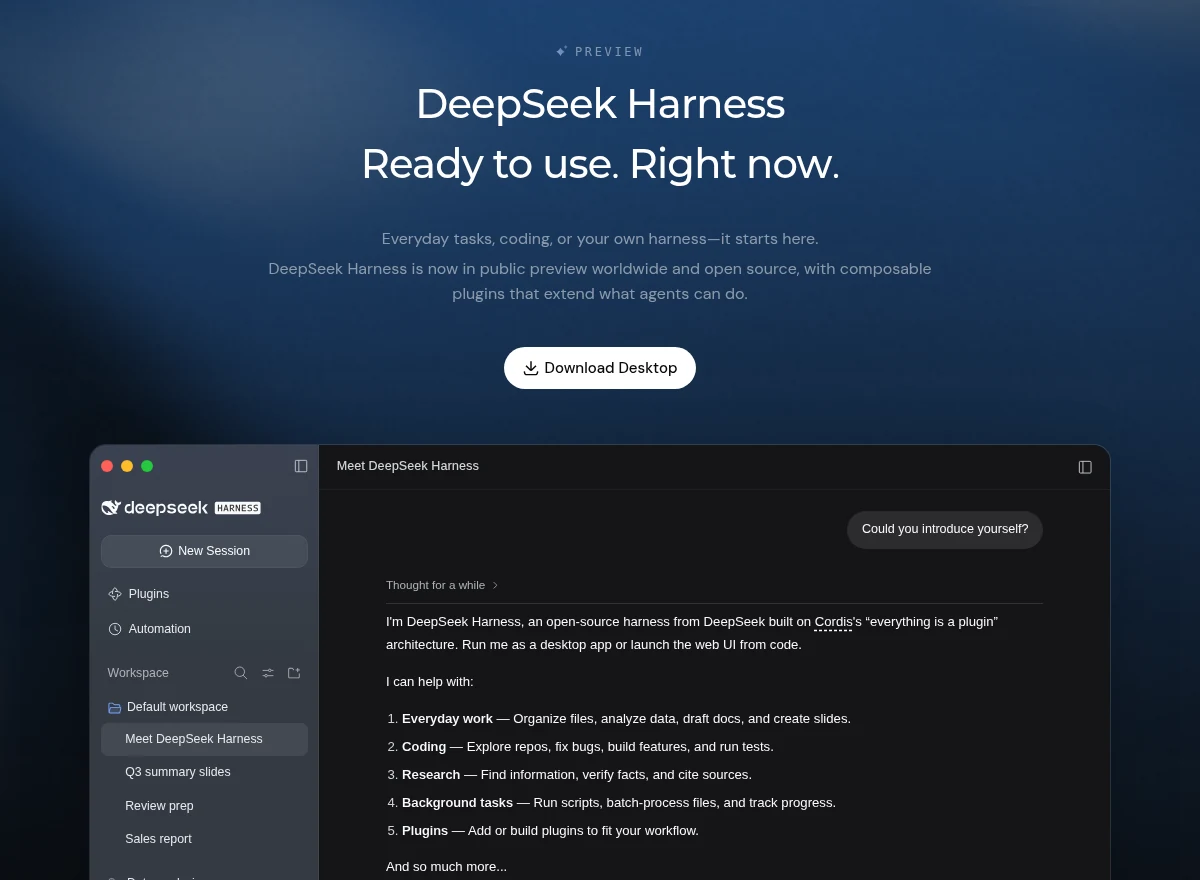
- Desktop: download the macOS (Apple silicon) or Windows build from the Harness page, sign in with a DeepSeek account or paste an API key, and choose a workspace folder.
- Web UI (any OS, including Linux): install Node.js and run
npx @deepseek-ai/dsh web, then openhttp://127.0.0.1:3080. - Start a new task and pick Creator mode from the mode menu.
- Start small, for example "Write a Pomodoro timer plugin for me," and keep per-call approval on so you can review what gets installed.
Harness and Creator Mode are free to download, and I could not find a separate pricing page. My inference is that the main cost is model API usage, which is billed by DeepSeek or whichever provider you connect. Building a plugin takes several minutes of agent work, so expect a noticeable number of tokens per plugin.
Nav4AI's take
Creator Mode is the clearest demonstration so far of what "everything is a plugin" can mean for an AI agent. The idea that you can ask your tools to grow a feature, and keep it, is powerful, and doing it in the open with an MIT license makes it easy to inspect and build on.
The trade-off is trust. You are letting a model write code that runs with your permissions, outside the sandbox. For now, I would treat Creator Mode as a powerful lab for developers and tinkerers: use a separate profile or VM, keep approvals on, read what the agent writes, and don't install plugins you don't understand. If DeepSeek adds stronger sandboxing for plugins and the ecosystem builds reusable plugins, as ByteLee hopes, this could become one of the most interesting directions in agent software.
Sources
- DeepSeek Harness launch post on X
- DeepSeek Harness official page
- deepseek-ai/deepseek-harness on GitHub
- tool-cordis README
- plugin-manager README
- SAFETY.md
- Docs: dynamic Cordis plugins in Creator mode
- Creator Mode demo prompt collection
- Bloomberg: DeepSeek Boosts AI Agent Offering With New Creator Mode
- Quartz: DeepSeek is adding a creator mode to let users build custom AI plugins
- DSH book, Chapter 9: Creator Mode (third-party)